


Guides
Understanding CS2 Skin Patterns and the Pattern Index

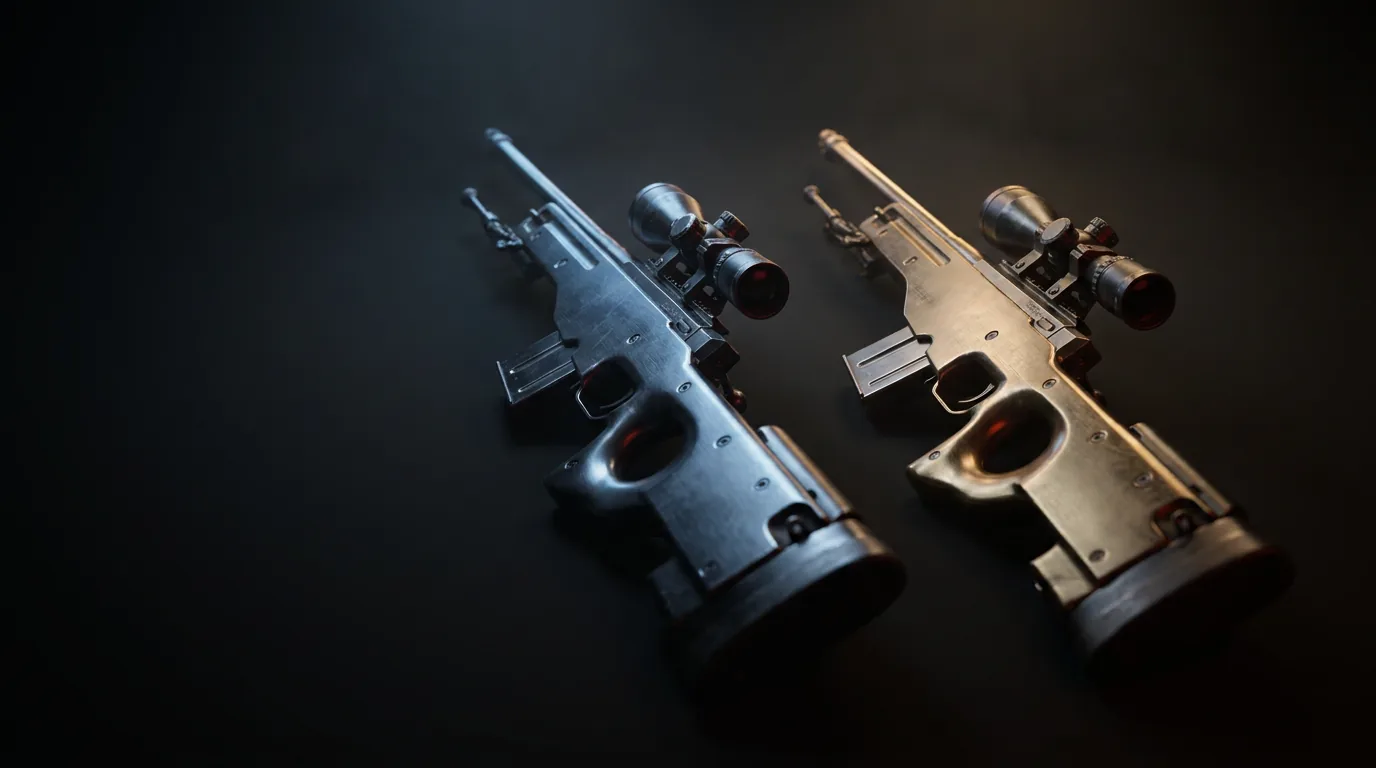
Two copies of the same skin, at the same float, can differ in value by more than most people spend on their entire inventory. The variable responsible is the paint seed, and it is the least visible number attached to a CS2 item. Understanding what it does — and, more usefully, what it does not do — separates traders who buy patterns from traders who accidentally buy someone else’s mistake.
Three numbers define every skin
Every skin instance in CS2 carries three values that together determine exactly what you are holding.
The paint kit, usually called the paint index by traders, identifies the finish itself. This is what tells the game the item is a Fire Serpent and not a Redline. It is fixed by which skin you received and never varies within a named finish — with one important exception covered below.
The paint wear, or float, is a value between 0 and 1 that controls how much wear texture is layered over the finish. Wear tier names — Factory New, Minimal Wear, Field-Tested, Well-Worn, Battle-Scarred — are just labelled bands within that range. Each finish also has its own minimum and maximum wear, which is why some skins have no Factory New tier and others have nothing above Minimal Wear.
The paint seed, also called the pattern index, is a whole number from 0 to 1000. It is a randomiser. It decides how the finish’s texture is positioned on the model, and on some finishes it decides the entire appearance.
All three are assigned when the item is created and none of them ever change. Trading it, storing it, renaming it, moving it between accounts — none of that touches the seed.
What the seed actually does
Valve’s finish system applies artwork to weapon models in several different ways, and the seed’s influence depends entirely on which method a given finish uses.
Some finishes are custom paint jobs: a single piece of artwork mapped precisely onto the model, designed so the dragon sits on the receiver and the text lands on the barrel. Fire Serpent, Asiimov, Hyper Beast, Neo-Noir and the overwhelming majority of modern coverts work this way. For these, the seed is stored on the item but has no visible effect. Every Hyper Beast looks like every other Hyper Beast at the same float.
Other finishes work from a texture that is larger than the weapon’s UV layout, or from a pattern that is tiled or scattered rather than placed. Here the seed picks which slice of that texture lands on the model, or where the scattered elements fall. This is where all the interesting variation comes from: patinas that swirl differently, gradients that start in different places, webs that land on the blade or on the handle.
The critical consequence is that seed variation is not a bug or a bonus feature. It is a property of the finish, present from the moment the skin was designed, and it applies uniformly to every copy ever generated.
Where the seed matters
| Finish | What the seed controls | Trader shorthand |
|---|---|---|
| Case Hardened (AK-47, Five-SeveN, MAC-10, most knives, Hydra Gloves) | Where the blue, gold and grey patina falls on the model | Blue gem, gold gem, semi-gem |
| Fade (knives, Glock-18, Nova, MAC-10, Specialist Gloves) | Where the yellow-to-purple gradient starts | Fade percentage, full fade |
| Marble Fade (knives) | How the red, blue and yellow zones arrange on the blade | Fire and Ice, tricolour |
| Doppler and Gamma Doppler (knives) | Colour placement within the phase | Good P2, clean P4 |
| Crimson Web, Emerald Web and related web finishes | Number and position of webs on the visible surface | Three-web, four-web, max webs |
| Slaughter (knives, Hand Wraps) | Shape formed by the coloured blotches | Hearts, smiley |
| Sport Gloves Vice | Balance of pink and blue on the back of the hand | Good pattern Vice |
| Spray-paint style finishes (Boreal Forest, Safari Mesh, Forest DDPAT) | Camouflage placement | Rarely traded on |
Note the asymmetry: this list is short. The overwhelming majority of skins in the game are pattern-neutral, and for those, seed hunting is wasted effort. If someone is selling you a “rare pattern” on a finish that is not on a list like this one, the premium is fictional.
The Doppler exception
Doppler is worth calling out because it breaks the tidy model above. Doppler phases — Phase 1 through Phase 4, plus Ruby, Sapphire and Black Pearl, with Emerald on Gamma Doppler — are not seeds. Each phase is a separate paint definition, which is why the game displays the phase name on the item itself.
The seed still matters within a phase. It decides where on the blade the colours sit, which is why traders talk about a strong Phase 2 or a clean Phase 4. So a Doppler carries both a phase, which you can read directly off the item, and a seed, which you have to look up.
How rare is a specific seed
There are 1001 possible seeds, distributed evenly. That means any specific seed represents roughly one in a thousand copies of that finish.
That figure is only the starting point. A collector usually wants a specific seed and a particular wear tier and sometimes StatTrak, and those constraints multiply. A top-tier pattern in Factory New with StatTrak on a skin that was not opened in enormous numbers may exist in single-digit quantities globally — which is exactly why such items trade privately, slowly, and at prices that bear no relationship to the base skin.
The flip side is that a pattern premium only exists if buyers agree it exists. Tier lists are maintained by collectors, not by Valve. There is no in-game indication that your seed is special, and no mechanic that enforces its value.
What resets and what does not
Trade-up contracts roll a fresh seed for the output item. The output’s float is derived from the inputs, but the pattern is entirely new and entirely random. You cannot engineer a pattern through trade-ups.
StatTrak status, Souvenir status, name tags, applied stickers and storage units have no effect on the seed at all. A StatTrak conversion does not reroll anything. Applying a name tag does not change the pattern. If someone tells you otherwise, they are wrong.
The one thing that does effectively change a skin’s identity is the trade-up itself, because you are destroying ten items to create a new one with new values.
Reading a seed before you buy
The seed is exposed through the item’s inspect link, which pattern databases and screenshot tools read to render the specific item. That is the check to run: paste the inspect link of the exact item you are being offered, not a stock image and not a screenshot someone sent you.
Three practical cautions. First, rendered previews use fixed lighting that does not match in-game conditions; a pattern that looks brilliant in a viewer can read flatter on a dark map. Second, tier lists disagree with each other, and a seed graded highly by one collector community may be graded lower by another. Third, pattern-premium items are illiquid — the population of buyers who understand and want a specific seed is small, so you should expect a slow sale when you want out.
Practical takeaway
Learn which finishes are pattern-sensitive and ignore the seed on everything else — the list is short and stable. On the finishes where it does matter, the seed can outweigh float, StatTrak and everything else combined, so check it on the specific item via its inspect link before any money moves.
Remember that pattern value is a community consensus rather than a game mechanic. That does not make it fake, but it does mean you should understand the grading standard you are buying into, verify the item yourself, and be realistic about how long a niche pattern takes to resell.